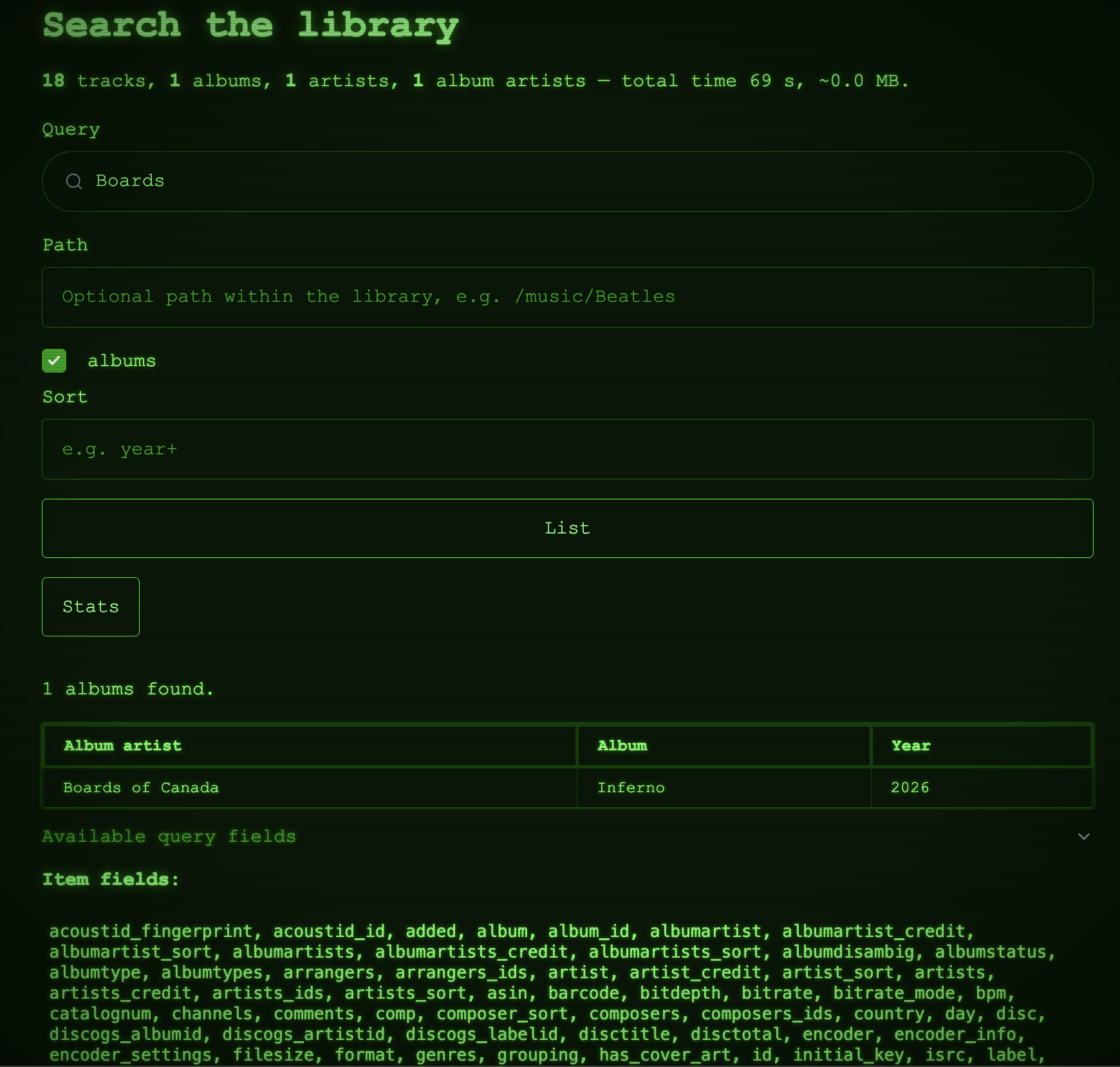
Using the Web Interface
Once the server is running (see the Quick Start Demo), open it in your browser at
http://<hostname>:<port>/ (port 8337 by default). The web UI exposes the same functionality as the
REST API.
Imports
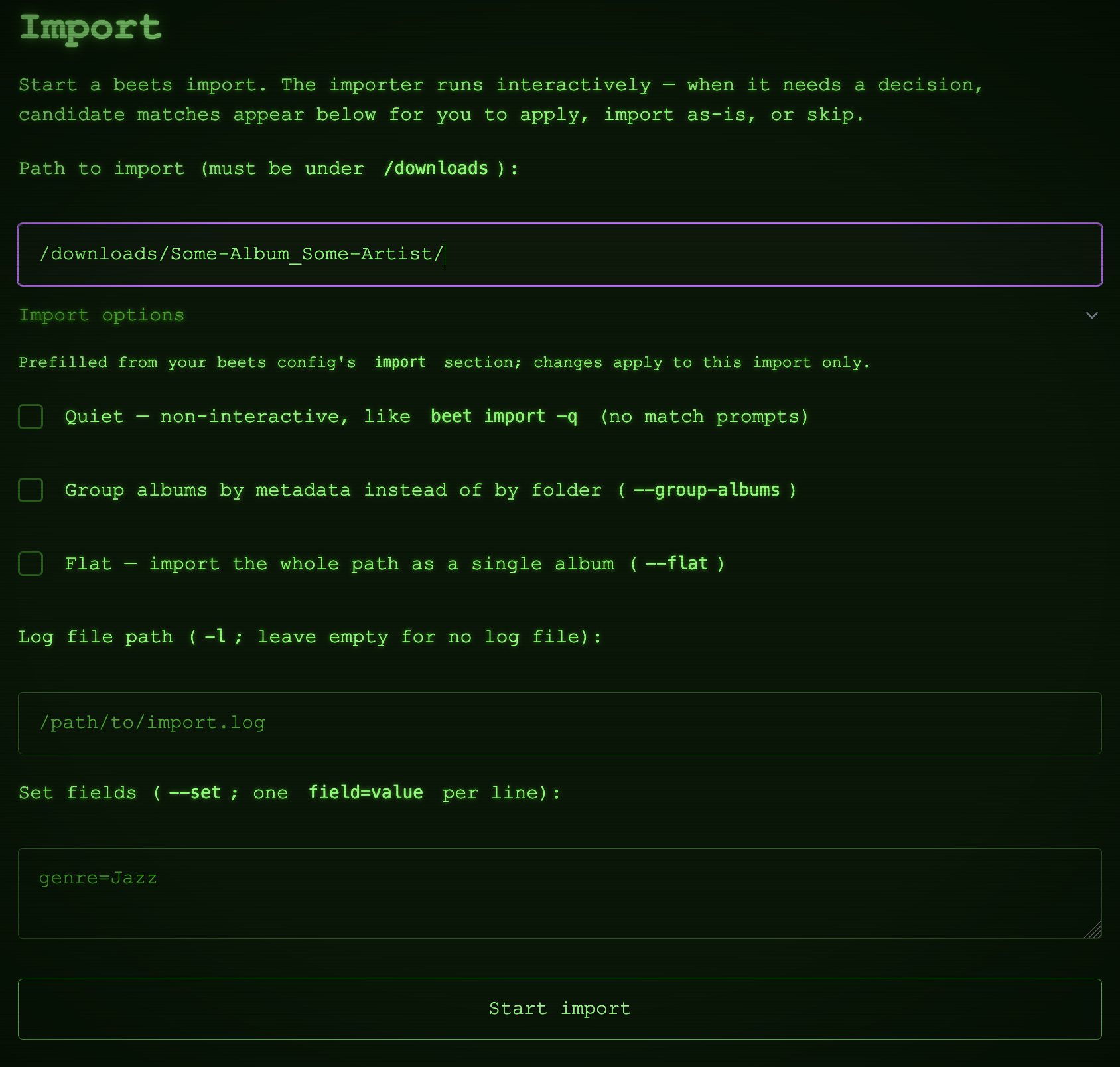
Start imports manually and monitor them — whether triggered from the UI or the API — in real time. When beets needs a decision (for example, which candidate release to apply), the UI presents the choices.
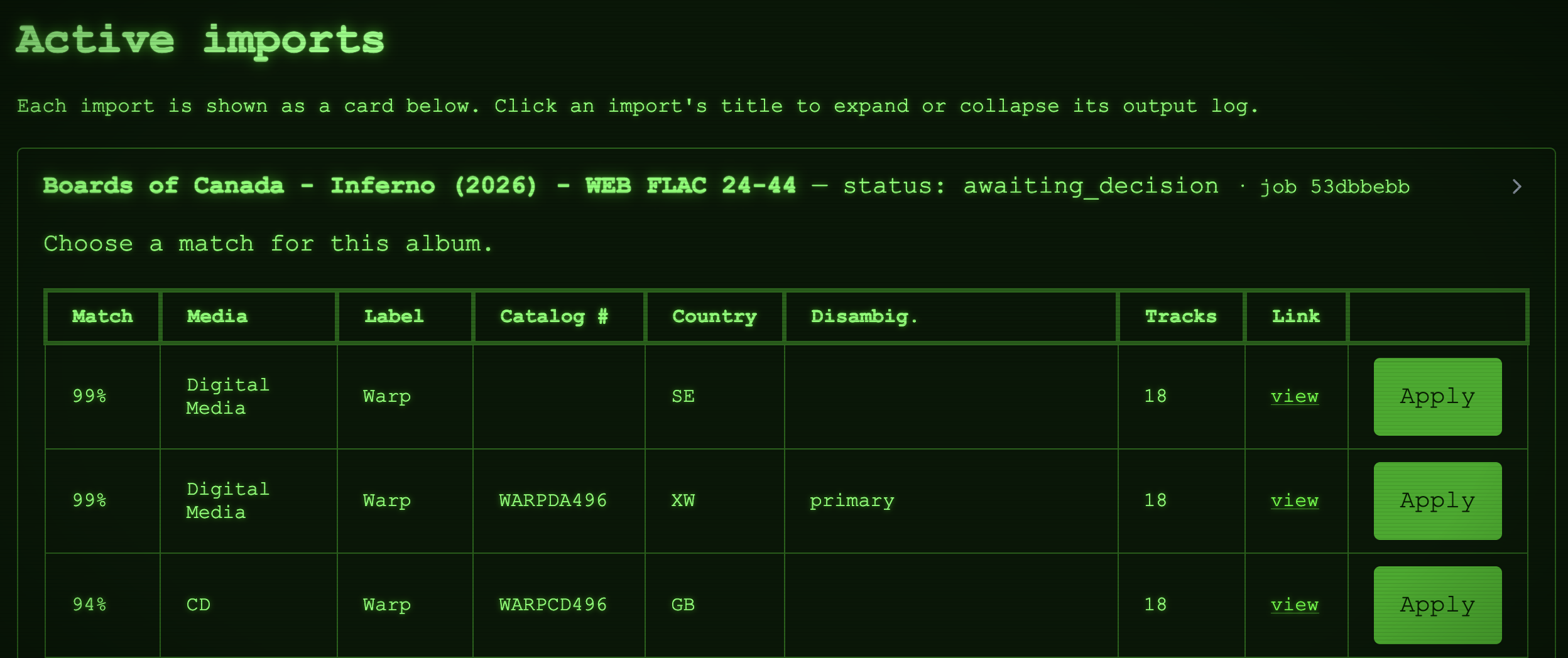
Multiple imports can run and be monitored simultaneously.
Events
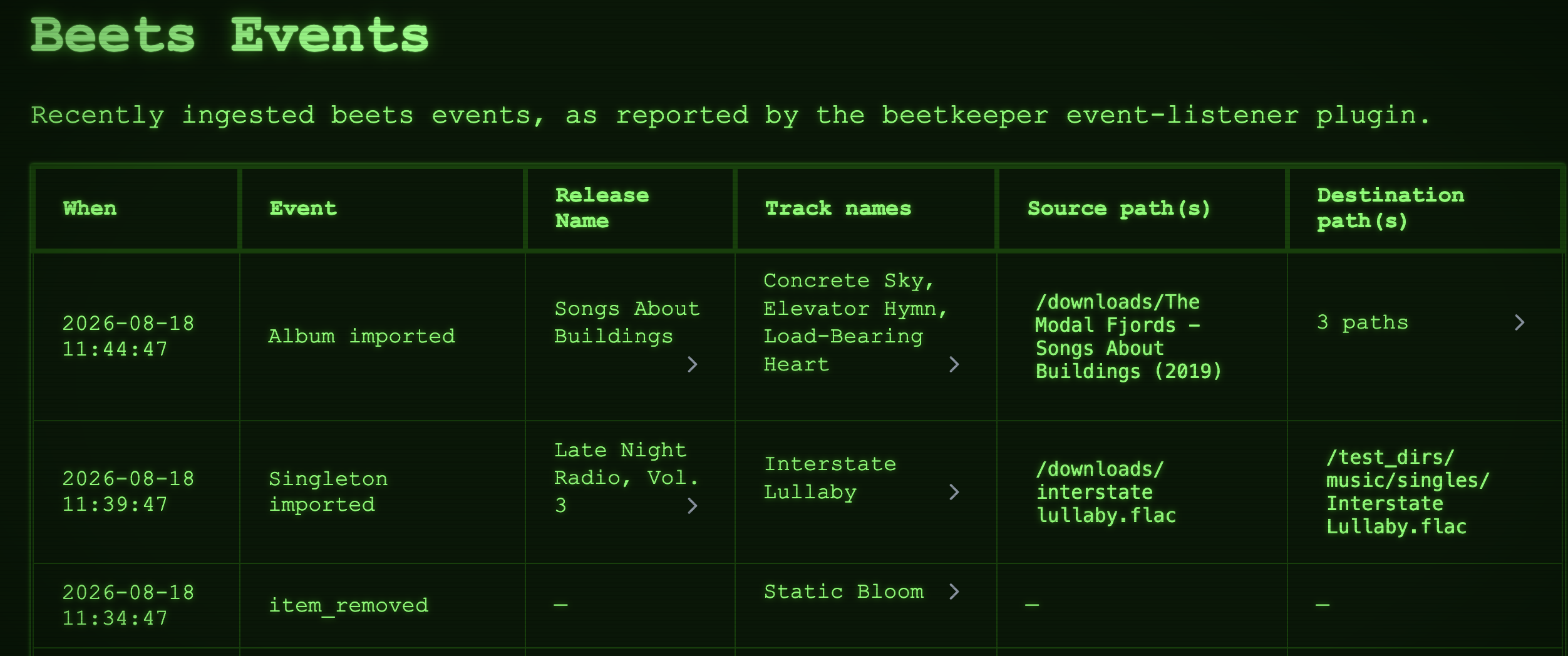
Browse the full history of beets events — album/track import completion, file modifications, and removals. The history stays complete whether an event originated in the UI, the API, or from beets operations run elsewhere (via the beets plugin).
Search
Query your beets library using the full beets query language — the same expressive queries you use on the beets command line.